Laptop running slow? 7 checks before you pay for a repair
Seven simple checks for a slow laptop — start-up apps, storage, overheating, updates and malware — and when an SSD or RAM upgrade is worth it. NSK, Trichy.
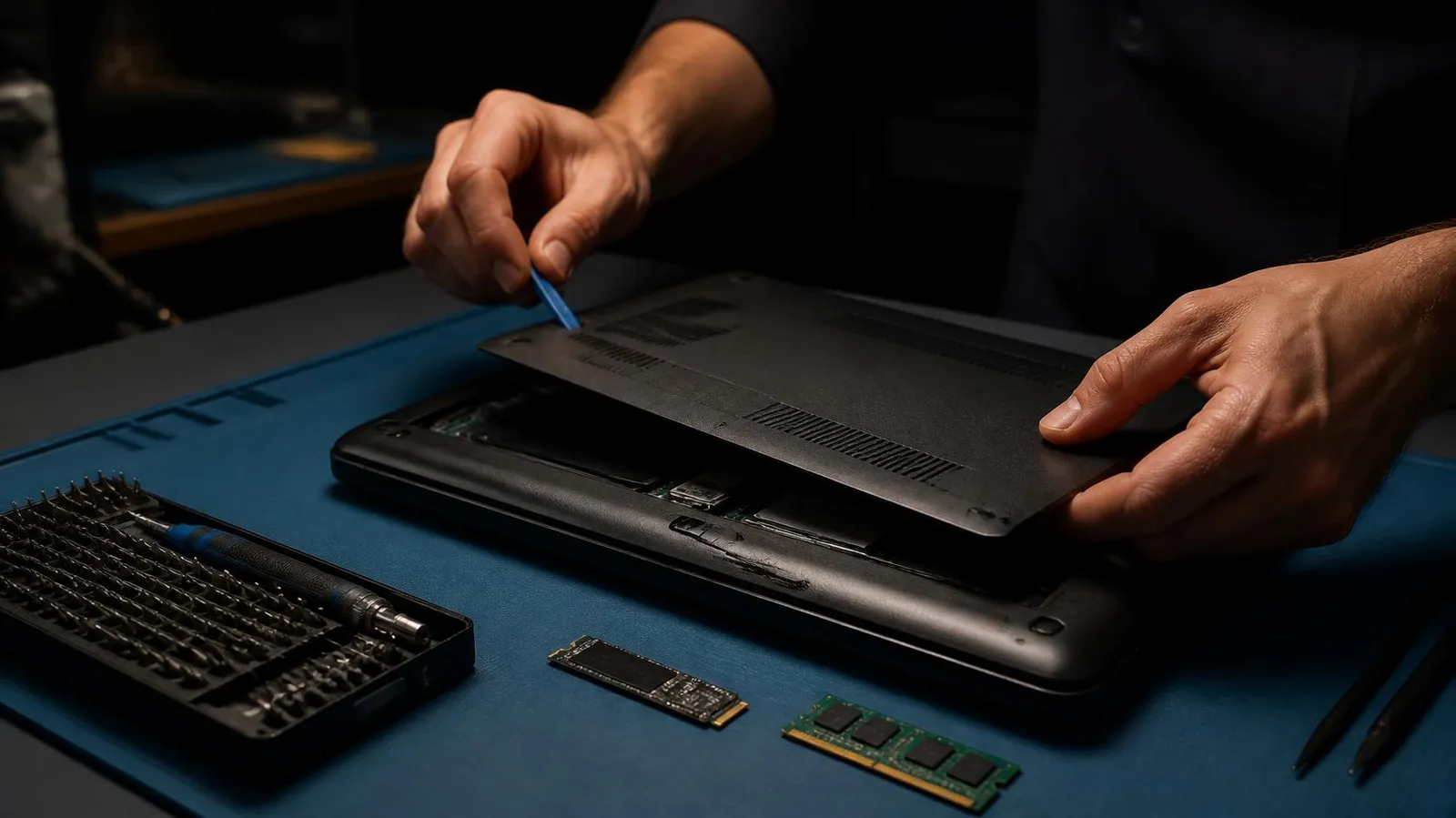
"My laptop has become very slow" is one of the most common problems brought to our repair counter. Often the fix is simple and costs nothing; sometimes it needs an upgrade; occasionally it points to a failing part. Here are the checks we run, in the order we run them.
1. Restart properly
Windows "Shut down" often hibernates instead of fully closing. Choose Restart instead, which clears memory and finishes pending updates. If the laptop is quick for a while after a restart and then slows down, something running in the background is the likely cause.
2. Trim the start-up apps
Open Task Manager (Ctrl + Shift + Esc) and look at the Startup apps tab. Chat apps, game launchers, cloud drives and printer tools all start with Windows and stay running. Disable the ones you do not need at start-up — they will still open when you click them.
3. Check free storage
When the drive is almost full, Windows slows down. Keep at least 15–20% of the drive free. Clear the Downloads folder, uninstall programs you no longer use, and run Disk Cleanup.
4. Look at the drive itself
In Task Manager, open Performance and check whether the disk shows "HDD" or "SSD". If the disk sits at 100% while the laptop is barely doing anything, and it is a hard disk, that is usually the bottleneck. Replacing it with an SSD is the most effective upgrade for an older laptop — start-up and opening programs become many times faster.
5. Feel for heat
A laptop that gets very hot, with a fan that runs loudly, slows its processor down to protect itself. Dust blocking the vents and dried-out thermal paste are the usual causes, and both are common in our climate. Keep the vents clear and use the laptop on a hard surface, not a bed or pillow. If it still overheats, it needs cleaning inside.
6. Install updates — and check for malware
Pending Windows and driver updates can cause slowness and errors. Install them, then run a full scan with Windows Security. Unknown browser extensions, pop-ups and programs you did not install are signs of adware or malware.
7. Check the memory
In Task Manager, look at Memory while you work normally. If it regularly sits above about 85%, the laptop has too little RAM for how you use it. Many laptops can take more; some have memory soldered to the board and cannot be upgraded.
When to bring it in
Bring the laptop to a technician if:
- it is still slow after these checks,
- it makes clicking sounds, freezes or shows blue screens,
- it switches off by itself when it gets hot,
- you want an SSD or RAM upgrade fitted and your data moved across.
At our laptop service centre in Thillai Nagar, Trichy we diagnose the fault first, explain what the repair involves in plain words, and start only after you approve it. When a repair is not worth it, we say so and show you the upgrade or replacement options instead.
Questions
Will an SSD make my old laptop faster?
In most cases, yes. If the laptop still uses a hard disk, replacing it with an SSD is the most noticeable upgrade: start-up and opening programs become much faster. We check what your laptop supports first.
Why does my laptop get slow when it is hot?
The processor slows itself down to stay at a safe temperature. Dust in the vents or old thermal paste makes it heat up faster, so cleaning usually restores the speed.
Do you tell me the cost before repairing?
Yes. We diagnose the fault, explain what the repair involves, and go ahead only after you approve it.