Gaming laptop or gaming PC: which should you buy?
Gaming laptop or desktop PC? Compare performance, cooling, upgrades, portability and long-term cost, and see which one suits where and how you play.
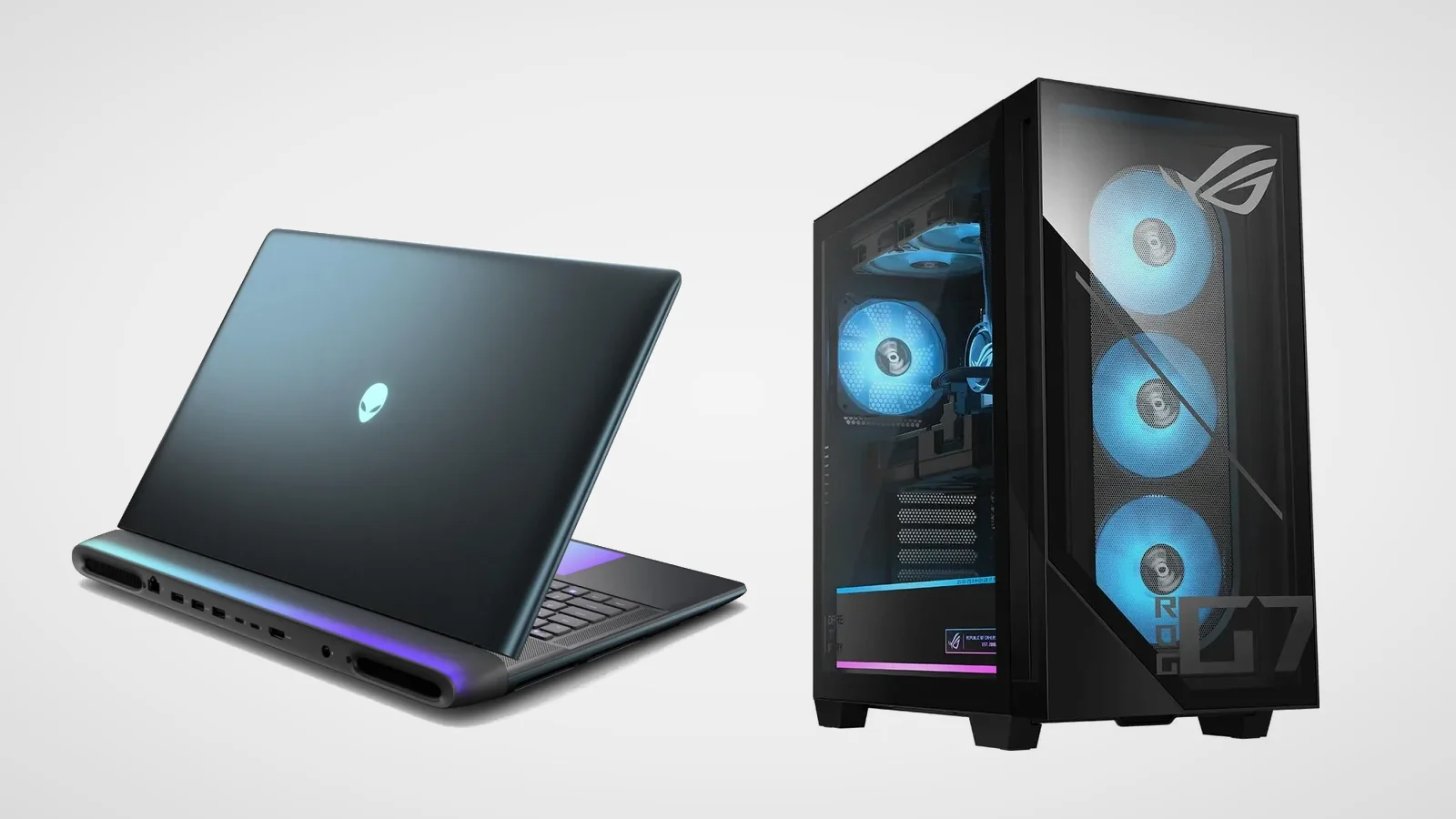
If you play at one desk most of the time, a gaming PC gives you more performance for the money, runs cooler and can be upgraded part by part for years. If you need to carry your games to college, a hostel, office or between two homes, a gaming laptop is the right choice, as long as you check how much power its graphics card is actually allowed to use. This guide explains the trade-offs we walk through before recommending either.
In short:
- Choose a gaming PC if you play at one place, want the most performance for your budget, and plan to upgrade later.
- Choose a gaming laptop if you move around, have little desk space, or need one machine for both study or work and games.
- Never compare by graphics card name alone. A laptop "RTX 5070" and a desktop RTX 5070 are not the same thing.
Performance: the same name is not the same card
The biggest surprise for most buyers is that laptop graphics cards share names with desktop cards but run on far less power. NVIDIA rates its desktop GeForce RTX 5070 at 250 W total graphics power (NVIDIA, RTX 5070 family specifications). The RTX 5070 Laptop GPU is listed at 50–100 W, and the RTX 5060 Laptop GPU at 45–100 W (NVIDIA, RTX 50 Series laptop specifications).
Within that range, the laptop maker decides how much power the graphics chip gets, based on the size of the chassis and its cooling. ASUS puts it plainly in its own buying guide: two laptops with the same graphics card will not always deliver the same performance (ASUS ROG, "What GPU should you choose for your gaming laptop?", July 2026).
What this means when you buy:
- A desktop card generally beats the laptop card with the same name, because it has more power and a much larger cooler.
- Between two laptops, look for the graphics power figure (often written as TGP, in watts) on the specification sheet, not just the card name. A thicker laptop with a higher TGP is usually faster than a thin one with the same card.
- If the TGP is not listed, ask us. We check it before you pay.
Cooling and noise
A desktop cabinet has room for large fans, a big processor cooler and space for air to move. A laptop has to cool a fast processor and graphics chip inside a body about two or three centimetres thick, so its fans spin faster and louder under load, and it gets warm around the keyboard.
In a warm Trichy room, this matters. A gaming laptop should sit on a hard, flat surface (never a bed or a pillow) and benefits from a cooling pad during long sessions. Dust in the vents also builds up faster than most people expect; if a laptop gets hotter and slower over months, our guide to checking a slow laptop covers what to look for.
Upgrades and repairs over the years
This is where a gaming PC pulls well ahead.
- Gaming PC: the graphics card, processor, memory, storage, power supply and cabinet are all standard parts. When a new game needs more, you can replace one part instead of the whole machine. If one part fails, it is replaced on its own.
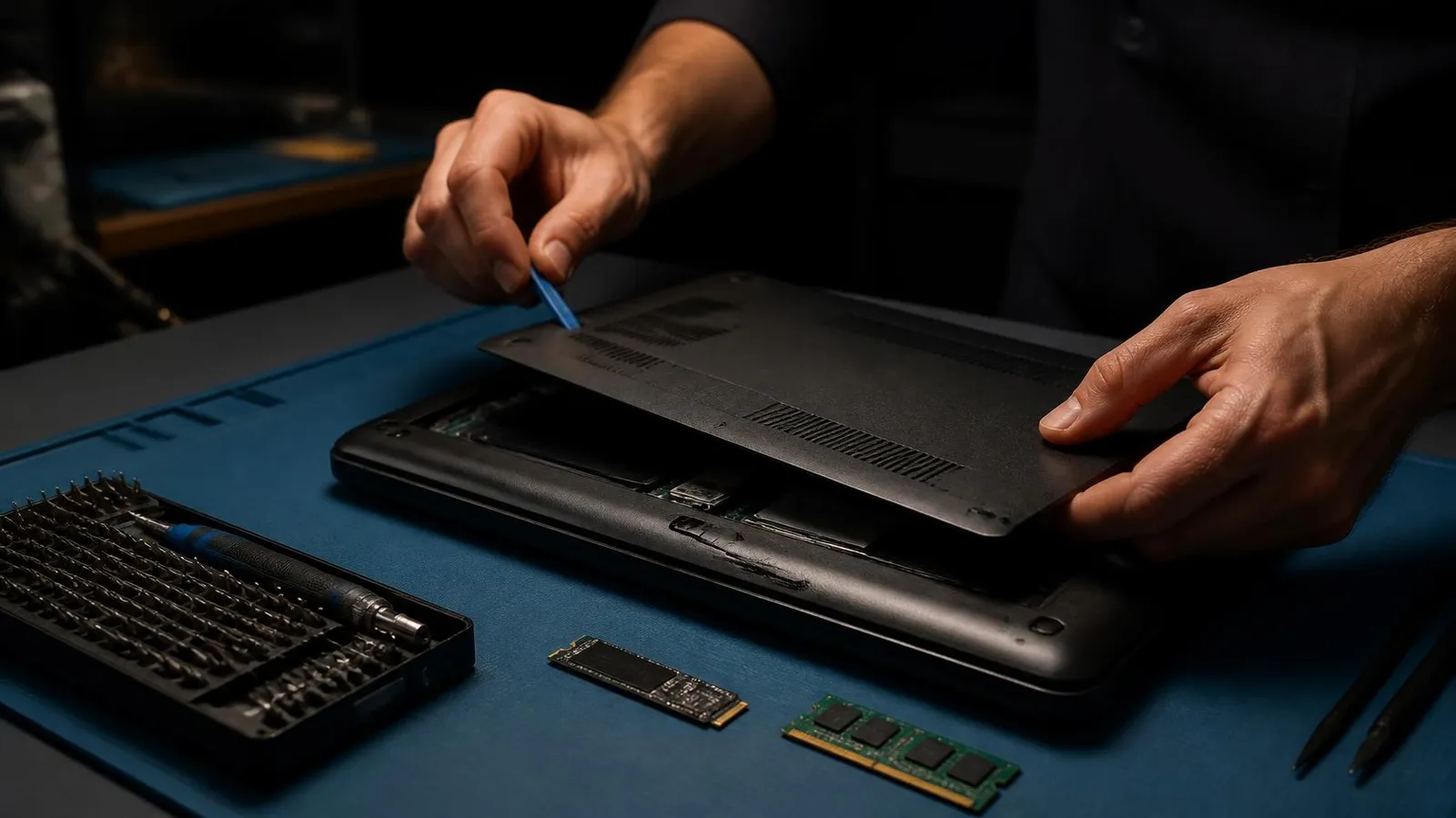
- Gaming laptop: usually only memory and storage can be upgraded, and on some thin models the memory is soldered to the board. The processor and graphics chip are fixed for the life of the laptop. A failed screen, keyboard or motherboard needs model-specific parts.
If you expect to keep the machine for five years or more and want it to keep up with new games, the desktop's upgrade path is worth a lot.
Portability and battery
A gaming laptop's real advantage is that the whole setup (screen, keyboard, speakers and battery) travels in one bag. For a student moving between home and a hostel, or someone who works and plays on the same machine, that can outweigh everything above.
Battery life while gaming is short, though. Gaming laptops cut performance on battery to save power. NVIDIA's BatteryBoost, for example, caps the frame rate when the charger is unplugged (ASUS ROG, gaming on battery power, February 2023). Plan to game with the charger connected, and treat the battery as a way to study, browse or watch videos away from a socket.
The full cost, not just the box
When comparing prices, compare what you actually need to start playing.
- A gaming PC needs a monitor, keyboard, mouse and usually a headset. If you already own some of these, the PC alone goes further. Many buyers also add a UPS to protect against power cuts.
- A gaming laptop includes a screen, keyboard, speakers and battery. For a better experience at home you may still add an external mouse, a cooling pad and perhaps a larger monitor.
For the same budget, a desktop usually puts more money into the graphics card, the part that decides most of a game's performance. Our gaming PCs page has a table showing which graphics, processor and memory suit esports titles, new big-budget games and high-refresh gaming.
Which one is right for you?
- Where do you play? One desk at home → gaming PC. Several places → gaming laptop.
- What do you play? Esports titles like Valorant or CS2 run well on either. Demanding new games at high settings favour a desktop for the same money.
- How long will you keep it? Five years or more, with upgrades → gaming PC.
- Does it also have to work for college or office? If you need to carry it to class or meetings → gaming laptop, ideally a thicker model with a higher graphics power figure.
- How much space and power backup do you have? A desktop needs a desk, and a UPS is wise. A laptop's battery covers short power cuts.
Get a recommendation from our counter
At NSK Computer Zone in Thillai Nagar, Trichy, we sell gaming laptops and build custom gaming PCs, so we can compare both honestly for your games and budget. See the gaming laptops and towers we stock, read how we build a custom gaming PC, or tell us your games, monitor and budget on the Build Your PC form and we will reply with a parts list. If a laptop suits you better, we will check its graphics power and cooling with you before you buy.
Questions
Is a gaming laptop as powerful as a gaming PC?
Not with the same graphics card name. NVIDIA rates the desktop RTX 5070 at 250 W, while the RTX 5070 Laptop GPU runs at 50–100 W depending on the laptop maker. A desktop usually gives more performance for the same money.
Can I upgrade a gaming laptop later?
Usually only the memory (RAM) and storage, and on some thin laptops the memory is soldered and cannot be changed. The processor and graphics chip stay the same for the life of the laptop. A gaming PC can have any part replaced.
Is a gaming laptop good for engineering students?
Yes, if it has to travel to college. It can run CAD and programming tools as well as games. Choose a model with good cooling and a listed graphics power figure, and expect to game with the charger connected.
What is TGP on a gaming laptop?
TGP (total graphics power) is the power in watts the laptop maker lets the graphics chip use. Two laptops with the same graphics card name can perform differently because of different TGP and cooling, so compare the TGP, not just the name.
Do you build custom gaming PCs in Trichy?
Yes. We build and test custom gaming PCs at our Thillai Nagar shop and give an itemised quote naming every part. Send your games and budget through the Build Your PC form, WhatsApp, or visit the counter.